Digital case files · evidence · signatures
Your evidence, in order. Your documents, signed. Your customers, satisfied.
AIDE gathers photos, documents, forms and signatures right where the work happens, builds the case file automatically and delivers it the way each customer needs it, with evidence behind every signature.
The problem
Sound familiar?
- {{X}}Blurry photos or missing documents that send you back to the customer.
- {{X}}Paper forms filled out by hand, scanned and lost.
- {{X}}Signatures you can only get when the customer is there in person.
- {{X}}Every customer wants the information in a different order and format.
- {{X}}The office doesn't know what's happening in the field until someone calls.
- {{X}}Evidence that's hard to defend when a question or dispute comes up.
AIDE brings order to the whole process, from start to finish.
How it works
From field capture to a delivered case file
- 01
Set up
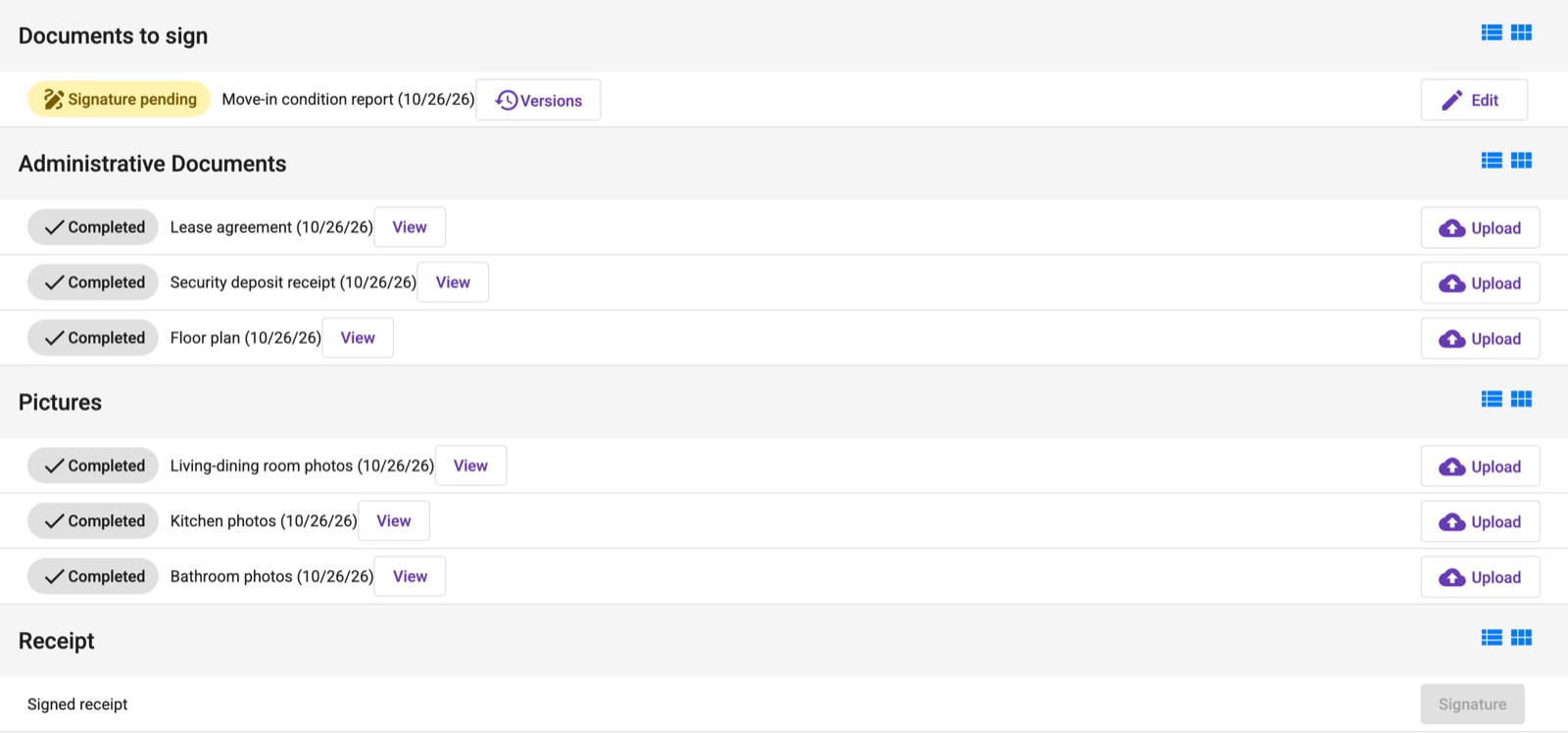
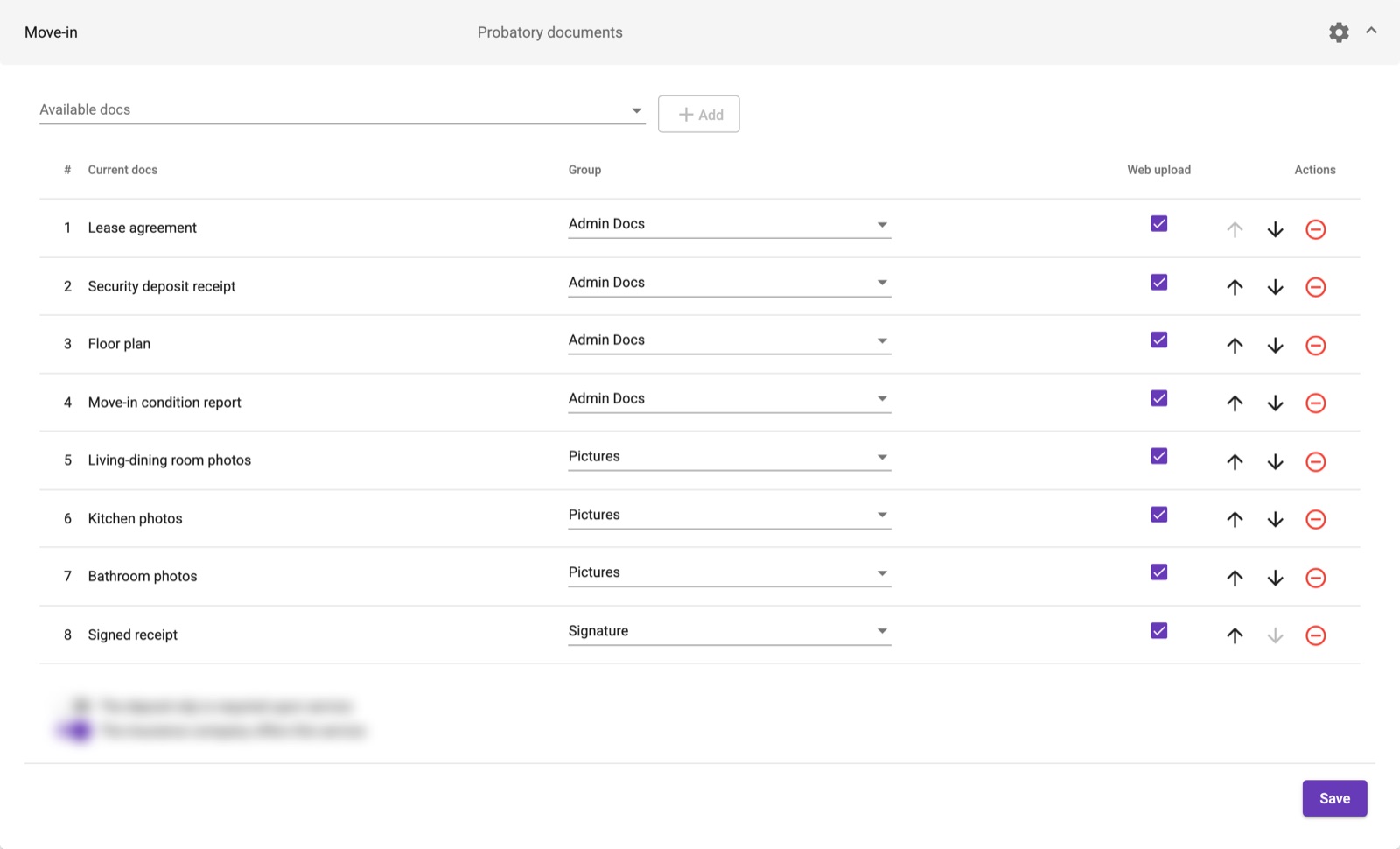
Choose the evidence, forms and signatures each type of service and each customer requires. No coding.
- 02
Capture
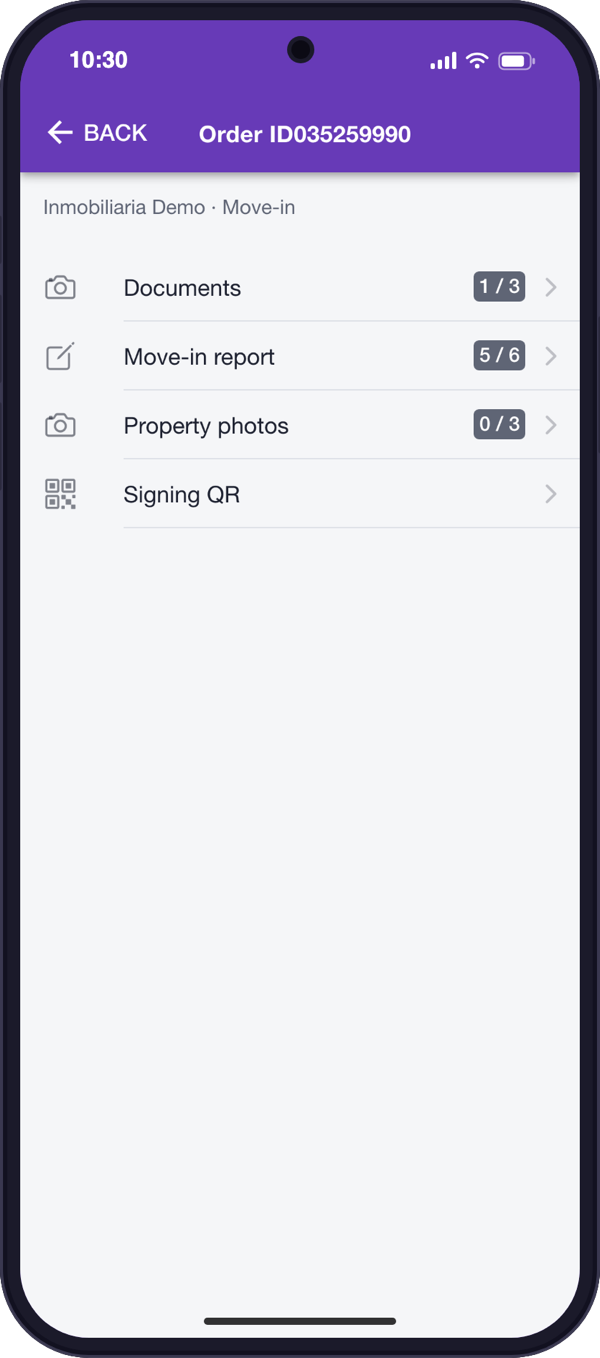
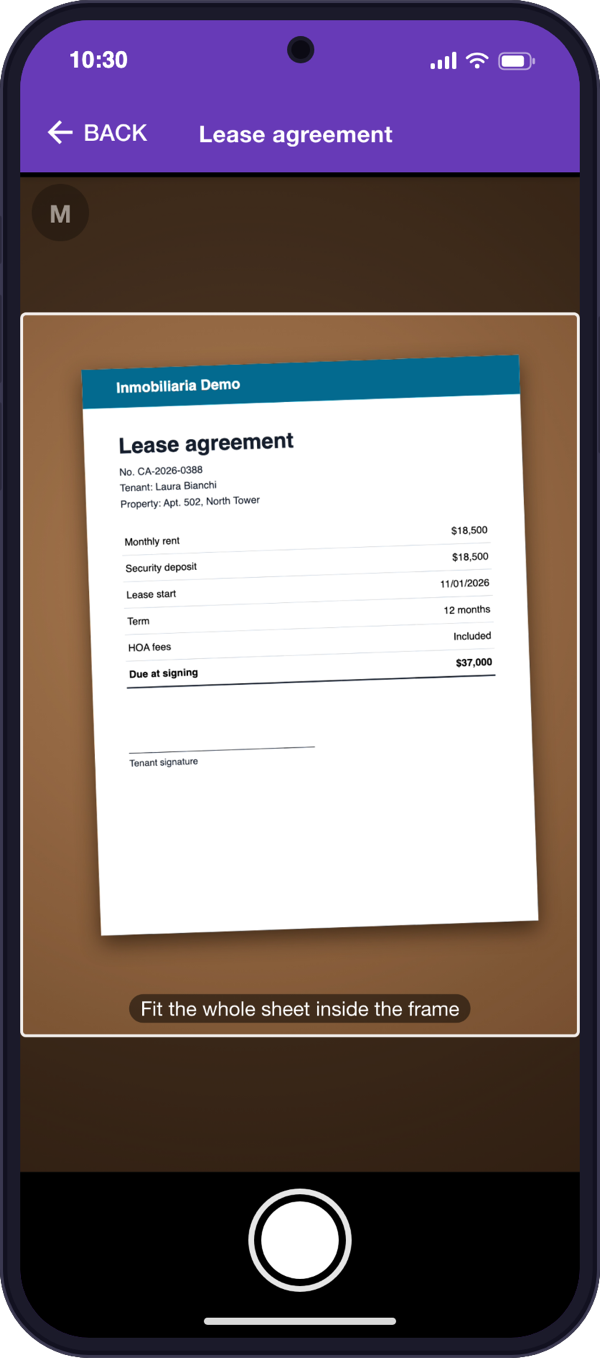
Your field team takes photos and fills out forms on their phone, with a camera that guides them to a good shot the first time.
- 03
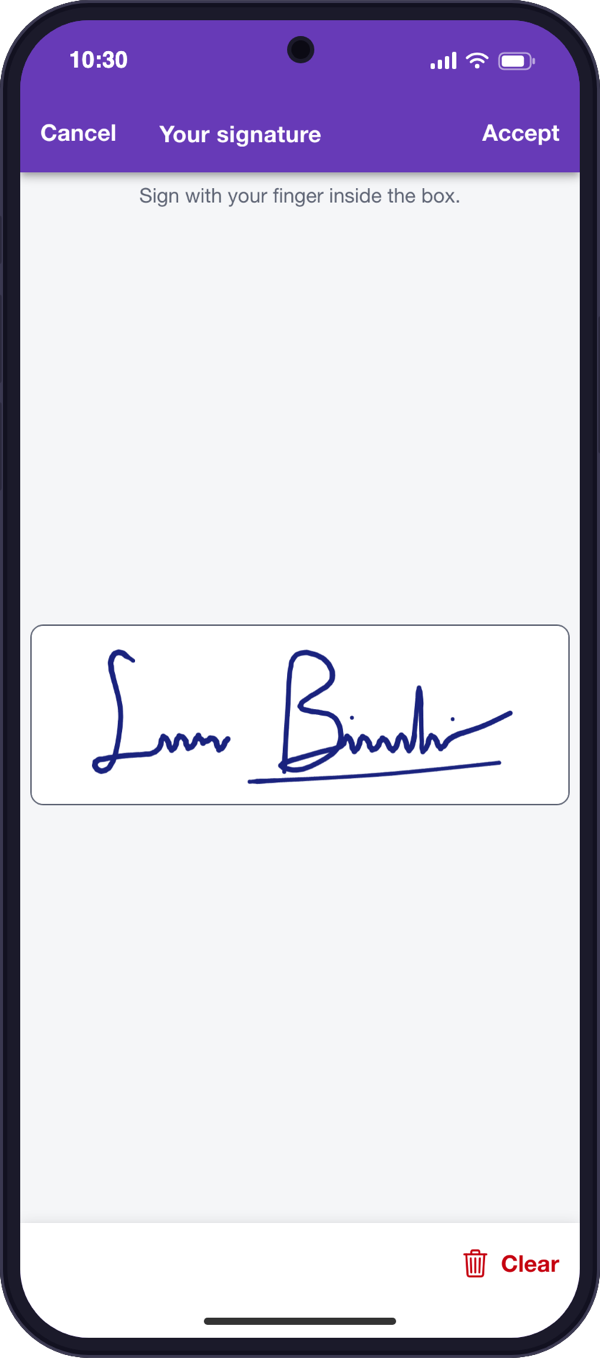
Sign
Your customer signs on their own phone through a link or QR code, with nothing to install and no account to create.
- 04
Deliver
In one click you get the case file as a PDF or ZIP, organized and presented the way each customer asks for it.
Benefits
What your operation gains
Fewer return trips
Complete, legible evidence from the first visit.
Faster closings
The case file builds itself while the work gets done, with no rework and no waiting.
Zero paper
No printing, scanning, shipping or filing.
Documented proof
Signatures backed by evidence, and signed versions that are always kept.
Full visibility
The status of every case file, at all times.
Happier customers
They get exactly what they ask for, the way they ask for it.
Complete case files
Nothing gets closed incomplete
Every service has its list of required evidence, which fills itself in as information arrives.
- {{CHECK}}See at a glance what each case file is missing.
- {{CHECK}}The list changes with the type of service and the customer.
- {{CHECK}}What arrives from the field falls into place, with nothing entered twice.
Capture and smart forms
Good evidence from the first shot
Guided capture
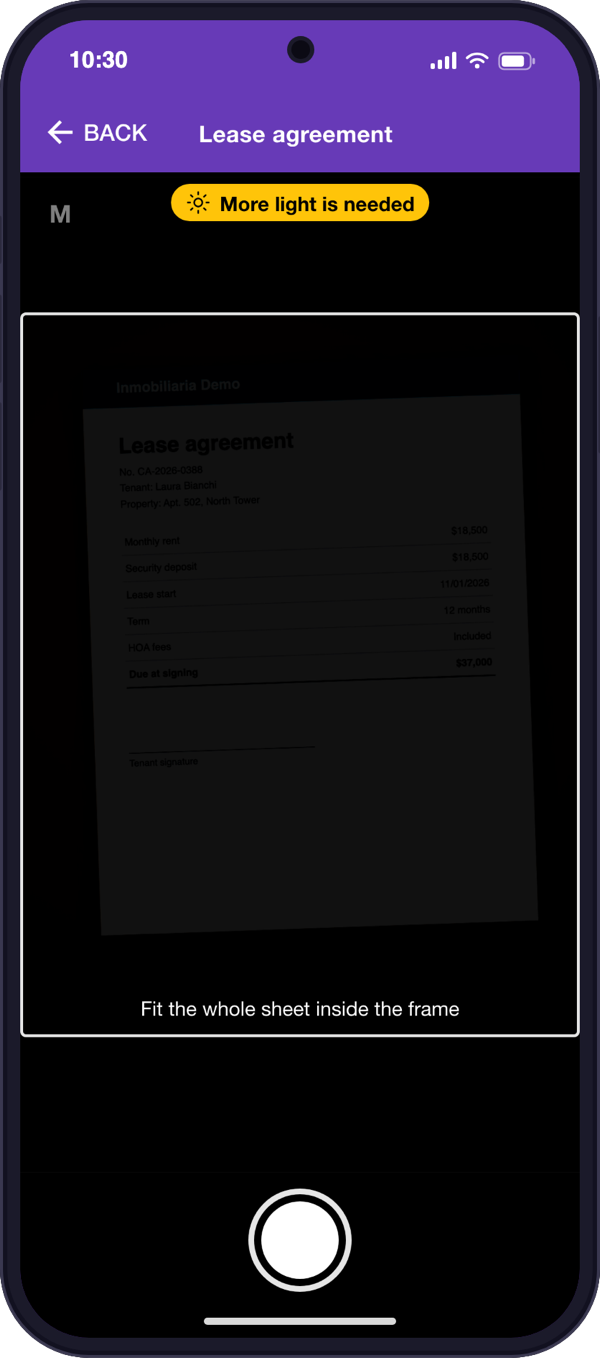
The camera frames the document for you.
Instant warnings
It tells you about low light, glare, movement or blur.
Nothing to install
It runs in the phone's browser.
Digital forms
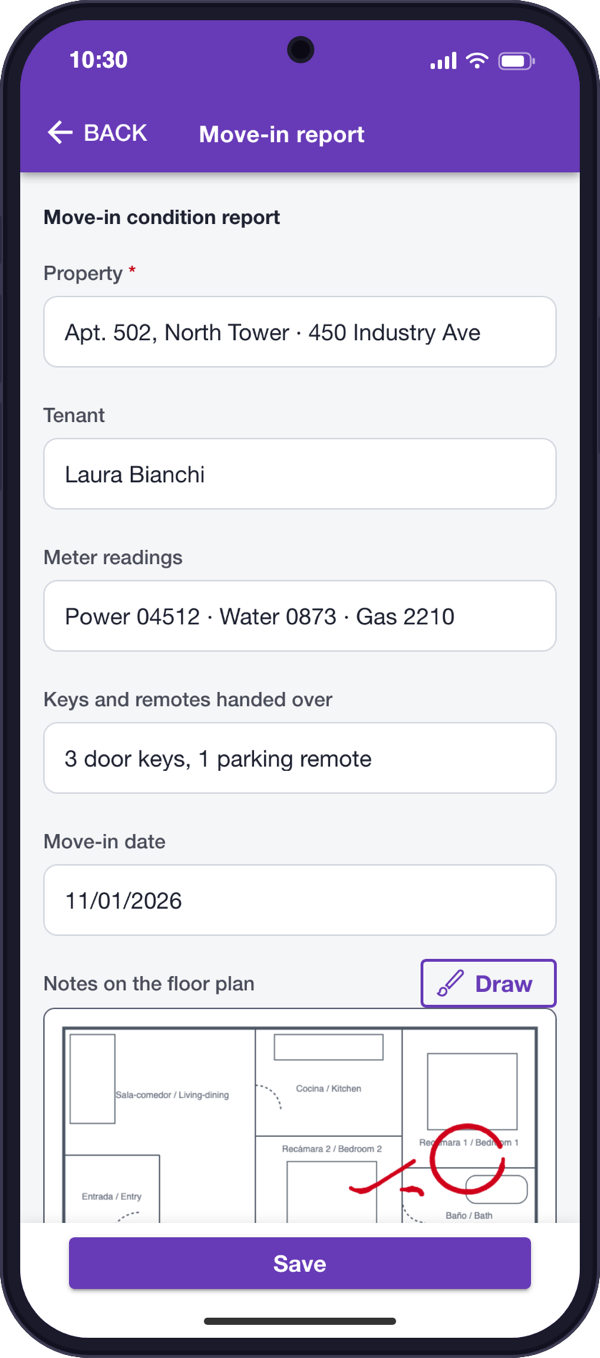
Your usual forms, now filled out on the phone.
Mark up images
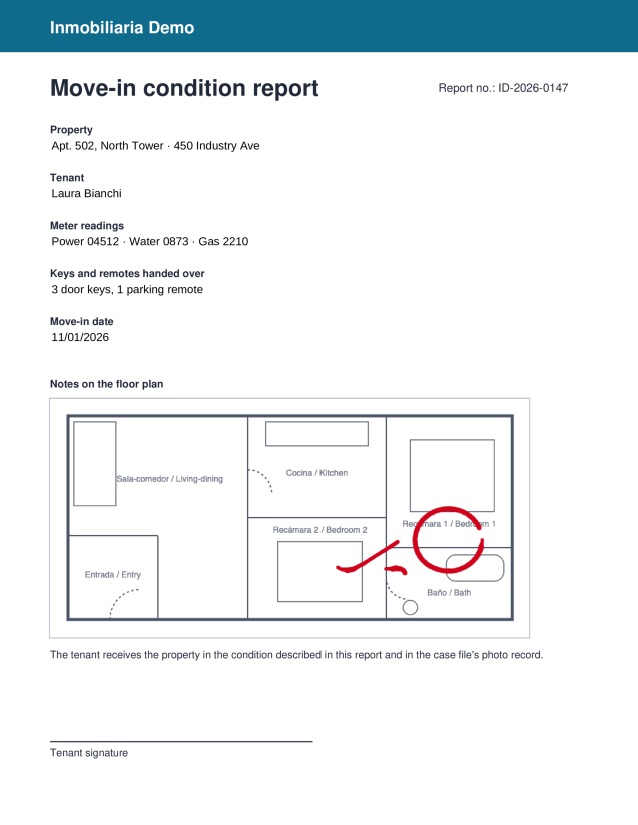
Draw on sketches and diagrams inside the form.
Arrives instantly
What's captured in the field shows up at the office right away.
One entry, many documents
Enter a value once, such as the property and the tenant, and it appears on every document in the case file that uses it.
Lease agreement
Apt. 502 · North TowerMove-in report
Apt. 502 · North TowerInventory
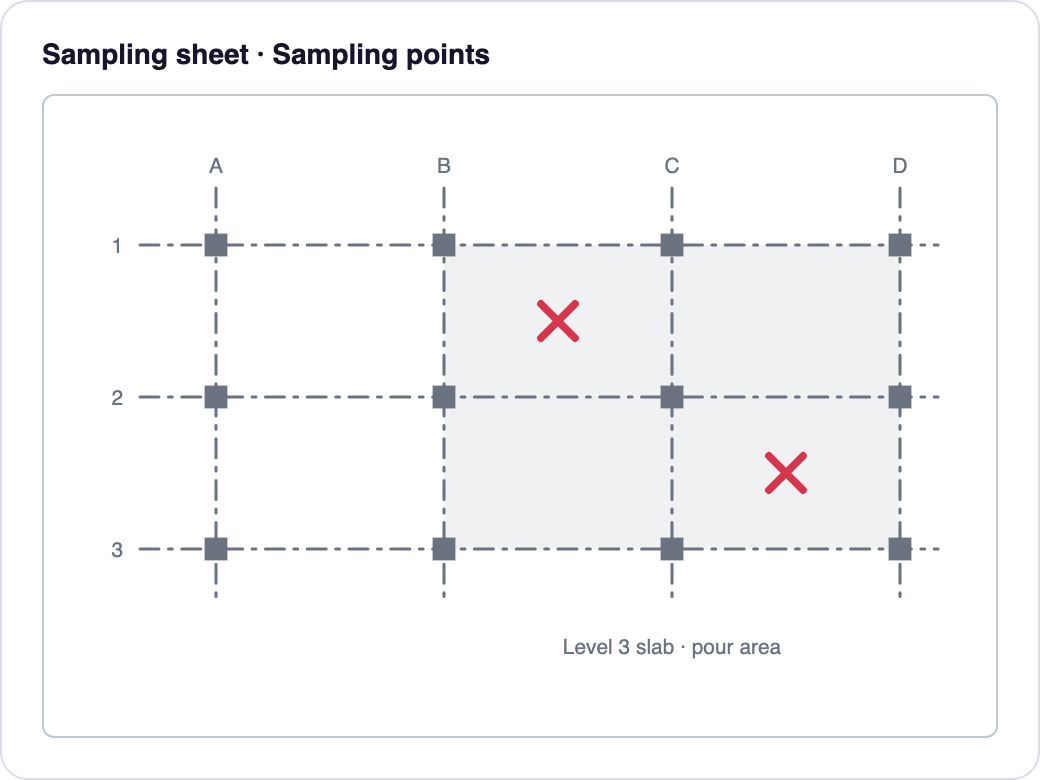
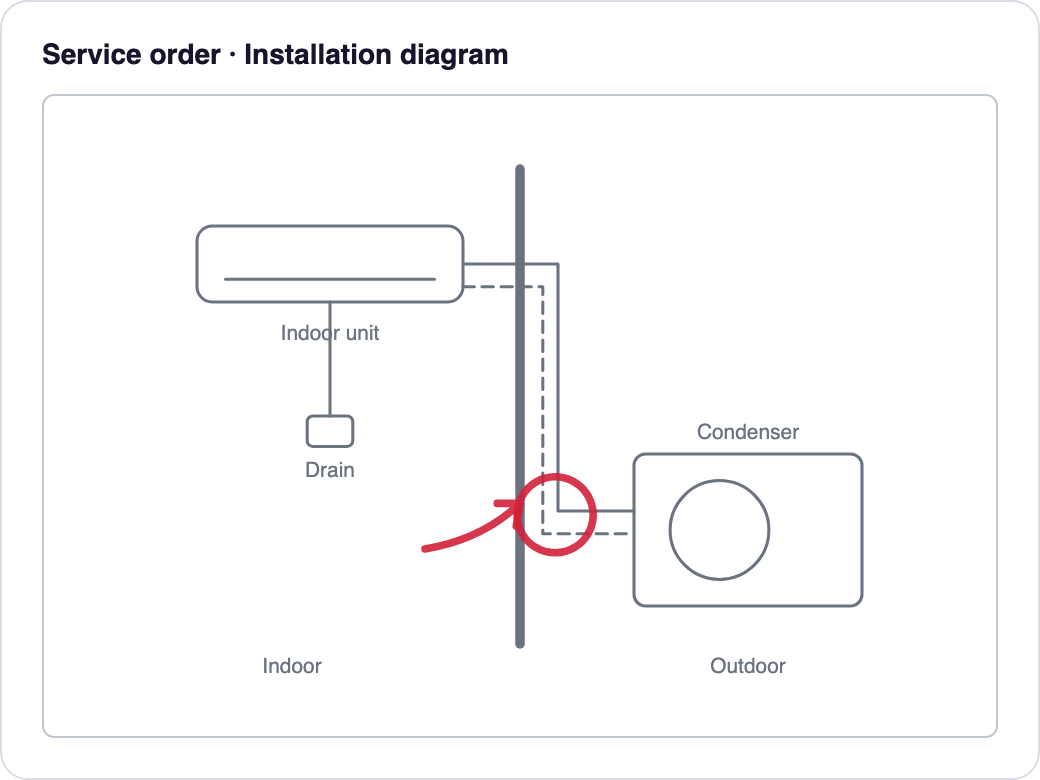
Apt. 502 · North TowerA trace says more than a thousand words
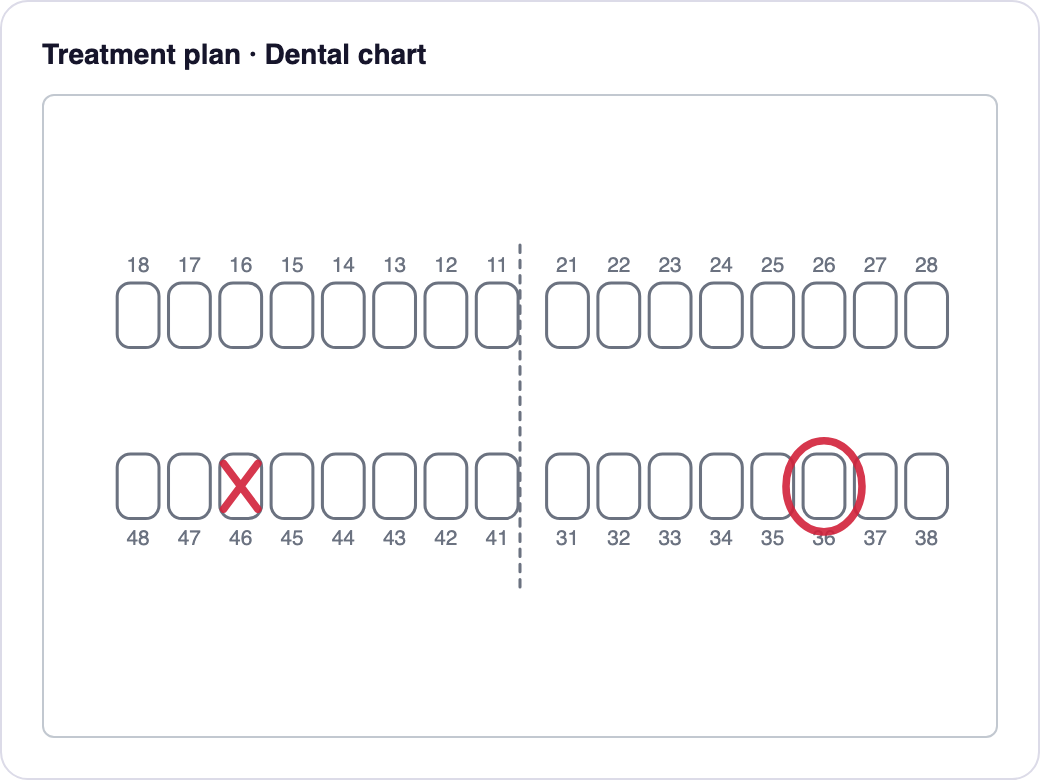
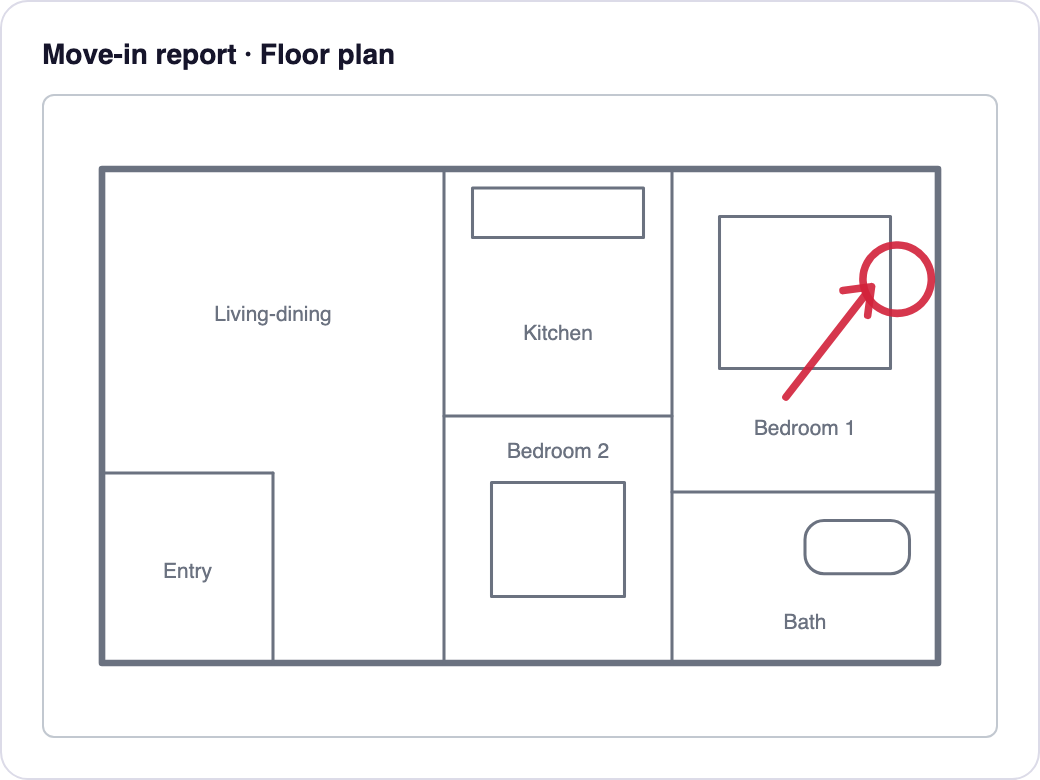
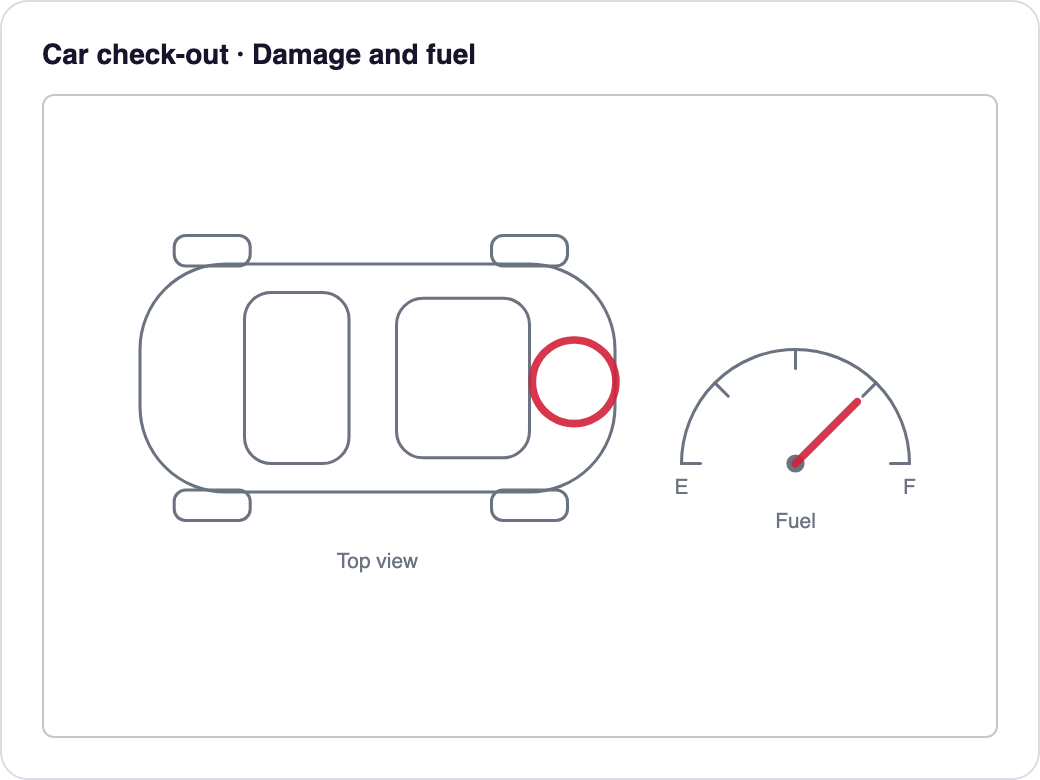
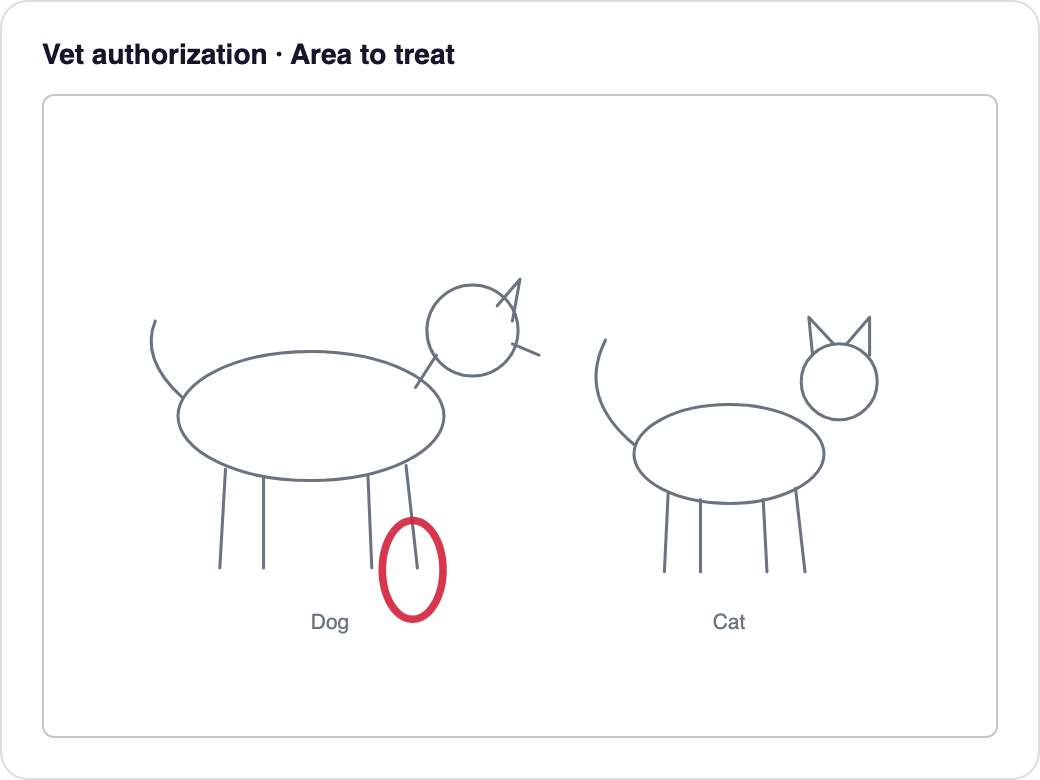
Add an image to any form for your team or your customer to trace over with a finger. The trace stays in the signed PDF, along with the rest of the form. These images don't come preloaded; they're only examples. Each company uploads its own forms and images.
Signatures and document validity
Three ways to sign, depending on the backing you need
Your customer signs from their phone through a link or QR code, with nothing to install. You choose the option for each document.
Handwritten signature
Available- What it is
- Your customer draws their signature with a finger and it is stamped into the document's signature boxes, just like on paper.
- When it fits
- Documents your customers are used to signing by hand.
Simple electronic signature with an evidence sheet
Available- What it adds
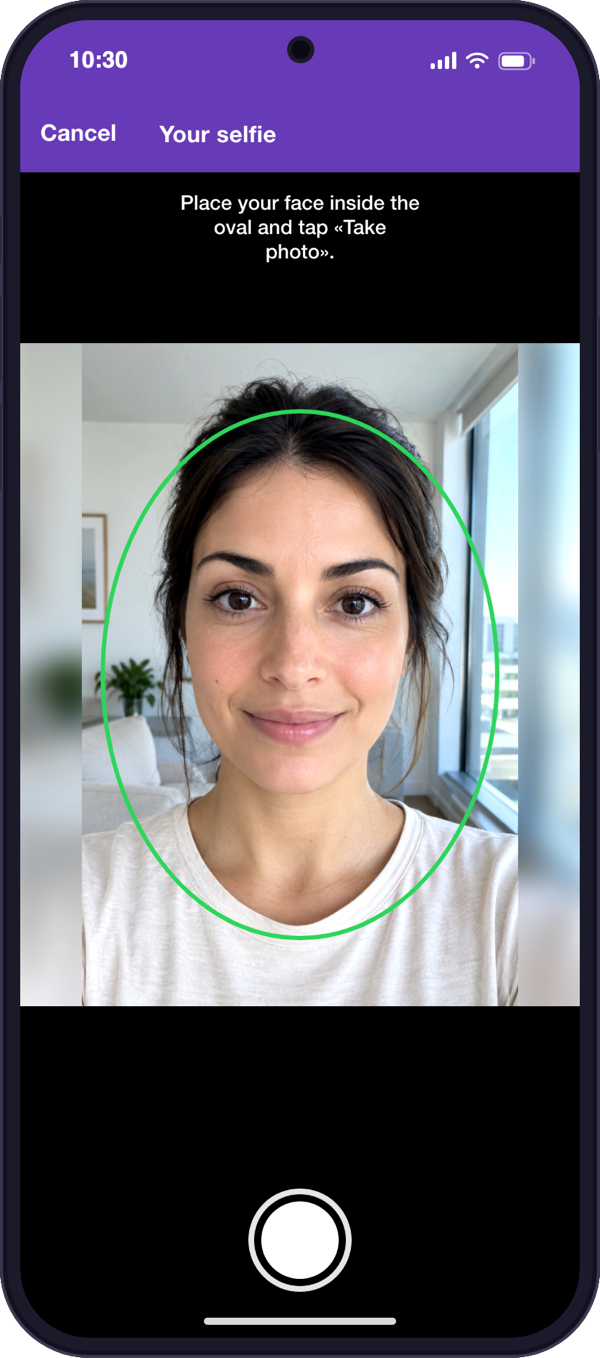
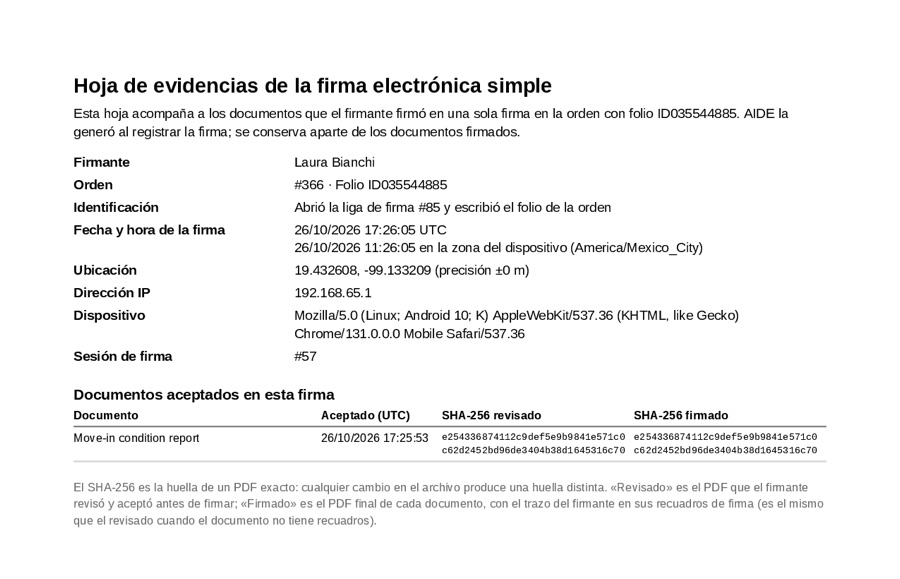
- An evidence sheet with who signed and when, how they were identified, the IP address and the device; if you turn it on, their ID, selfie and location. It includes the fingerprint (SHA-256) of each document as reviewed and as signed.
- When it fits
- Everyday sign-offs, authorizations and acceptances.
Advanced electronic signature with a long-term preservation certificate
Available as a project- What it adds
- Your company's advanced signature certificate seals the case file, with a timestamp and long-term validation, plus a preservation certificate over the case file's exact content.
- When it fits
- Documents that need the strongest backing and that you must keep for the long term.
- Why as a project
- The preservation certificate and the standard that governs it vary by country, so it is set up in each project. It requires your company's certificate and a signing agent in your infrastructure.
What the evidence sheet looks like
It goes with the documents signed with the simple electronic signature and is kept apart from them.
For your legal and IT teams
- Advanced signature formats. PAdES (the signature inside the PDF), CAdES in an ASiC-S container, detached CAdES (.pdf + .p7s) or enveloping CAdES (.p7m). Chosen per customer and service type.
- Timestamp. RFC 3161 on every advanced signature.
- Long-term validation (LTV). The signature embeds the certificate's revocation status (OCSP) at signing time.
- Verification. Every signature is verified against ETSI criteria before the case file is marked as done.
- Key custody. The private key stays in your infrastructure; a signing agent uses it there and it never travels to AIDE.
- Preservation. The originals are copied to a dedicated preservation store, separate from working storage. A manifest with the SHA-256 fingerprint of the case file, the signature and every original, chained to the previous version's manifest, is what the preservation certificate covers.
- New versions. If the case file changes after it was sealed, a new version is produced; earlier ones are kept.
We describe the mechanisms AIDE applies. Whether a document is legally valid depends on how it is used and the regulations that apply to it; we recommend checking with your legal team.
Tailored delivery
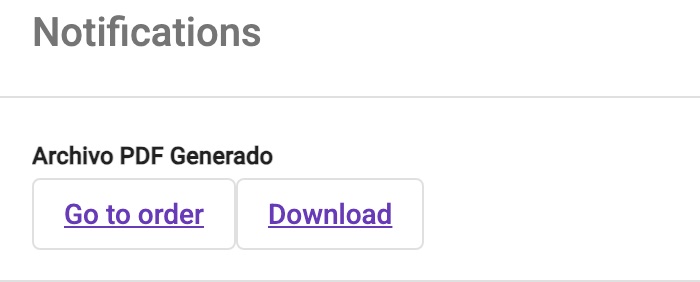
Each customer gets the case file the way they ask for it
- {{CHECK}}Document order.
- {{CHECK}}Photo collages.
- {{CHECK}}Watermark.
- {{CHECK}}Delivery format: PDF or ZIP.
Connected operations
Office and field, working at the same time
Everything in real time
What's captured in the field shows up instantly at the office, with alerts when a file is ready.
Everyone sees only what's theirs
Roles and permissions by user type, branch or customer.
Reports
Filter them and export them.
Connects with your systems
To create case files or display their information.
Who is it for?
For businesses that gather evidence, prove the work was done and need their customer's signature
Contractors and home services
Construction, remodeling, kitchens, landscaping: a signed quote to get started, before-and-after photos, sign-off when the job is done.
Dental offices and aesthetic clinics
Treatment plans (with the dental chart marked) and estimates accepted with the patient's signature, plus before-and-after photos.
Veterinary clinics
Owner-signed authorizations before a procedure, with the area to treat marked on the outline, before-and-after photos and each pet's history.
Education
Your institution builds each student's file throughout their studies and collects their signature whenever it's needed, ready for graduation, degree conferral and other procedures.
Installation and field service
Proof of completed work, an installation diagram and customer sign-off.
Civil engineering labs
Your technician logs every on-site sampling from their phone, with forms and photos; the site supervisor signs on the spot, and the lab adds its report to deliver a complete file per project.
Rental companies
Vehicle or equipment check-out and return with evidence of its condition, damage marked on the outline and the fuel level.
Real estate
Move-in and move-out property inventories, with notes marked on the floor plan.
Logistics and delivery
Proof of delivery with photo and signature.
Warranties and returns
Evidence of the product and customer acceptance.
Enterprise security
Your information, under control
Controlled access
Each user sees only the information they're authorized for, by role, branch or customer.
Document integrity
If a document changes after it was signed, the signed version is kept.
Account protection
Enterprise-grade password policies: lockout after failed attempts, expiration and detection of compromised passwords.
FAQ
What people ask us most
- Do I need to install anything?
- No. AIDE runs in the browser; your field team can add the app to their phone's home screen without going through an app store.
- Does my customer need an account to sign?
- No. They get a link or QR code and sign from their own phone.
- Which phones does it work on?
- Current phones with a browser and a camera.
- Can I use my own forms?
- Yes. Your PDF forms become digital forms filled out from the phone.
- Can I decide what evidence is required?
- Yes, by type of service and by customer.
- What backs each signature?
- An evidence sheet recording who signed and when, plus their ID, selfie and location if you turn that on. You can also seal your case files with an advanced electronic signature and a long-term preservation certificate, available as a project (the standard that governs it varies by country). Whether a document is legally valid depends on how it is used and the regulations that apply to it; we recommend checking with your legal team.
- Who can see the information?
- Only the people you authorize, through per-user roles and permissions.
- Does it integrate with my systems?
- Yes, AIDE can connect with other platforms.
- Is it available in Spanish?
- Yes, in English and Spanish.
Ready to leave paper behind?
Write to us and we'll show you AIDE working on a case like yours.